MoneyID / Brand guidelines
MoneyID brand guidelines
Everything you need to show MoneyID clearly and consistently.
Download brand kitZIP · 406 KB · 2026-10-27

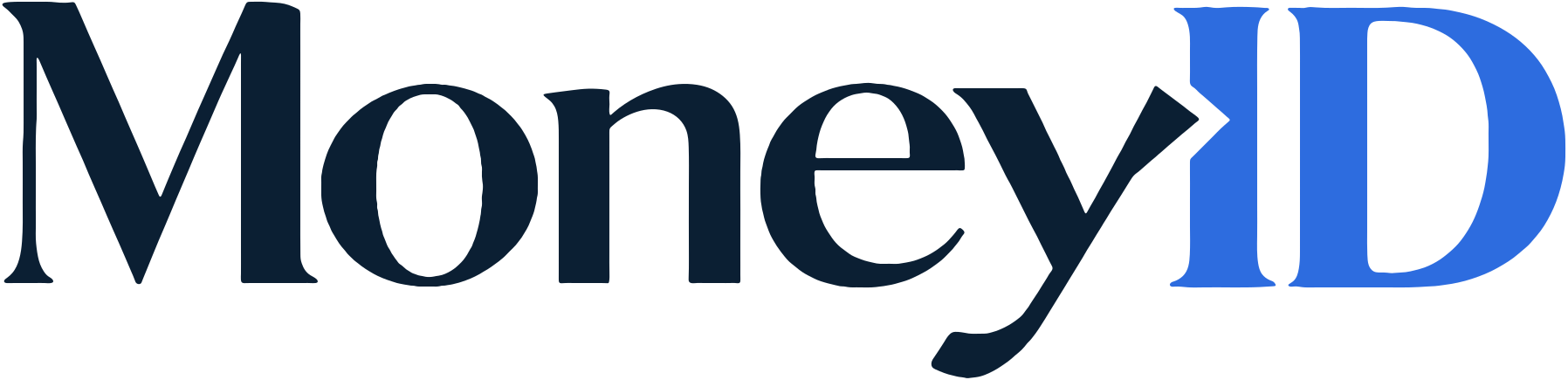
Primary logo: the MoneyID wordmark
There are two versions with identical lettering. Only the colors change, depending on the background.
| Background | Ground | “Money” | “ID” |
|---|---|---|---|
| Light | Paper #F7F9FA | Ink #0B1F33 | Cobalt #2D6CDF |
| Dark | Ink #0B1F33 | Paper #F7F9FA | ID Blue #4E7EFD |


ID icon
For browser tabs and iOS home screens only. It uses the ID letters from the wordmark in ID Blue on Ink.
 32px32px

| File | Size | Background | Use |
|---|---|---|---|
favicon.svg | Vector | Transparent corners | Browser tabs |
icon-32.png | 32 × 32 | Transparent corners | Browser tabs |
apple-touch-icon.png | 180 × 180 | Full square, opaque | iOS home screen |

The MoneyID palette
Digital values. Print values will be defined separately.
Logo colors
- Ink
- HEX
#0B1F33- RGB
11, 31, 51
- Cobalt
- HEX
#2D6CDF- RGB
45, 108, 223
- ID Blue
- HEX
#4E7EFD- RGB
78, 126, 253
- Paper
- HEX
#F7F9FA- RGB
247, 249, 250
Typography
MoneyID uses two typefaces. Inter for headings and reading text. IBM Plex Mono for codes, identifiers and short labels. Both are free under the SIL Open Font License.
- Inter Headings and reading text Get Inter
- IBM Plex Mono Codes, identifiers and short labels Get IBM Plex Mono
Using the brand
- Write the name as MoneyID: one word, with a capital M, I and D. In running text, type MoneyID rather than inserting the wordmark.
- Use the files as supplied. Don’t recolor, stretch, crop, rotate, outline, add effects to or redraw the wordmark or the ID icon.
- Use the light-background version on Paper and the dark-background version on Ink.
- Use the ID icon only for browser tabs and iOS home screens, not as a standalone logo.
Need something that isn’t here?
Email us and we’ll help you use the brand the right way.